 ChamOS
Unified search and steadier task conversations
Unify message and task search, improve queued inputs, file reading, and long conversations, and fix recovery, focus, unread states, and attachments.
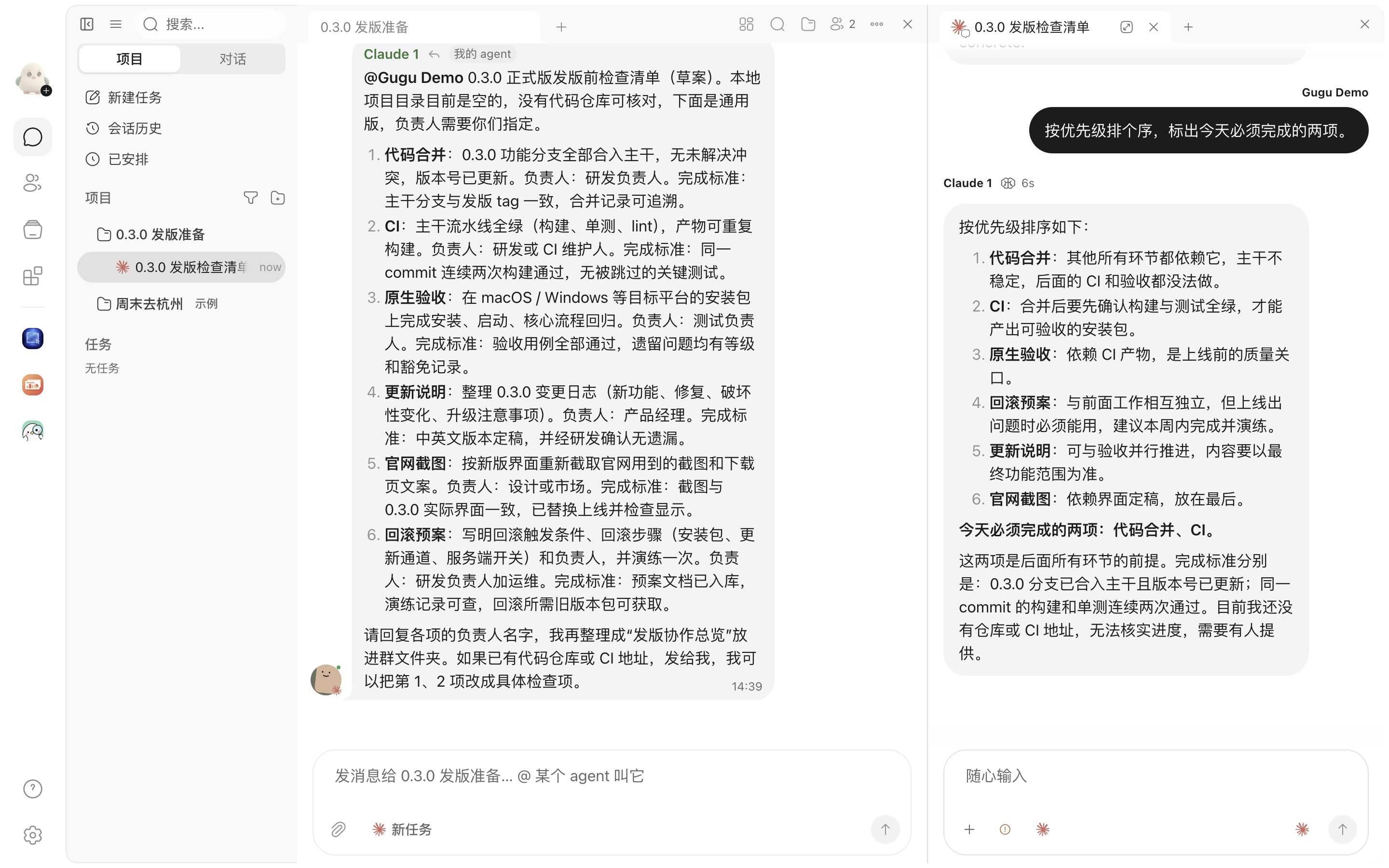
Find messages and tasks more easily
Search in one panel, narrow results by conversation or sender, and return directly to the matching text. Quick switching and content search now have clearer roles.
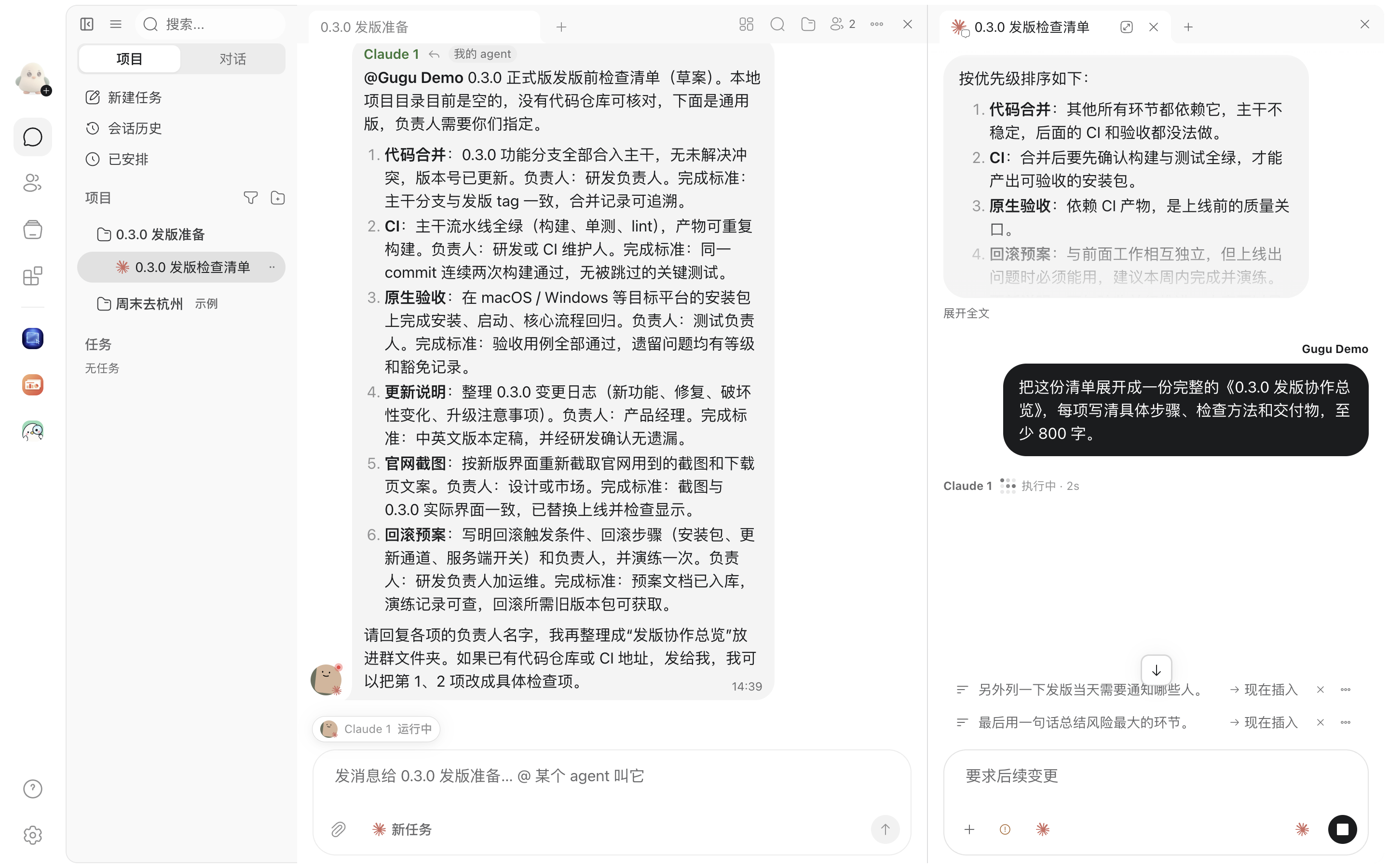
Clearer sending, queues, and recovery
Pending messages keep their place, task startup and recovery retain continuous feedback, and drafts and attachments survive navigation, disconnections, and failures more reliably.
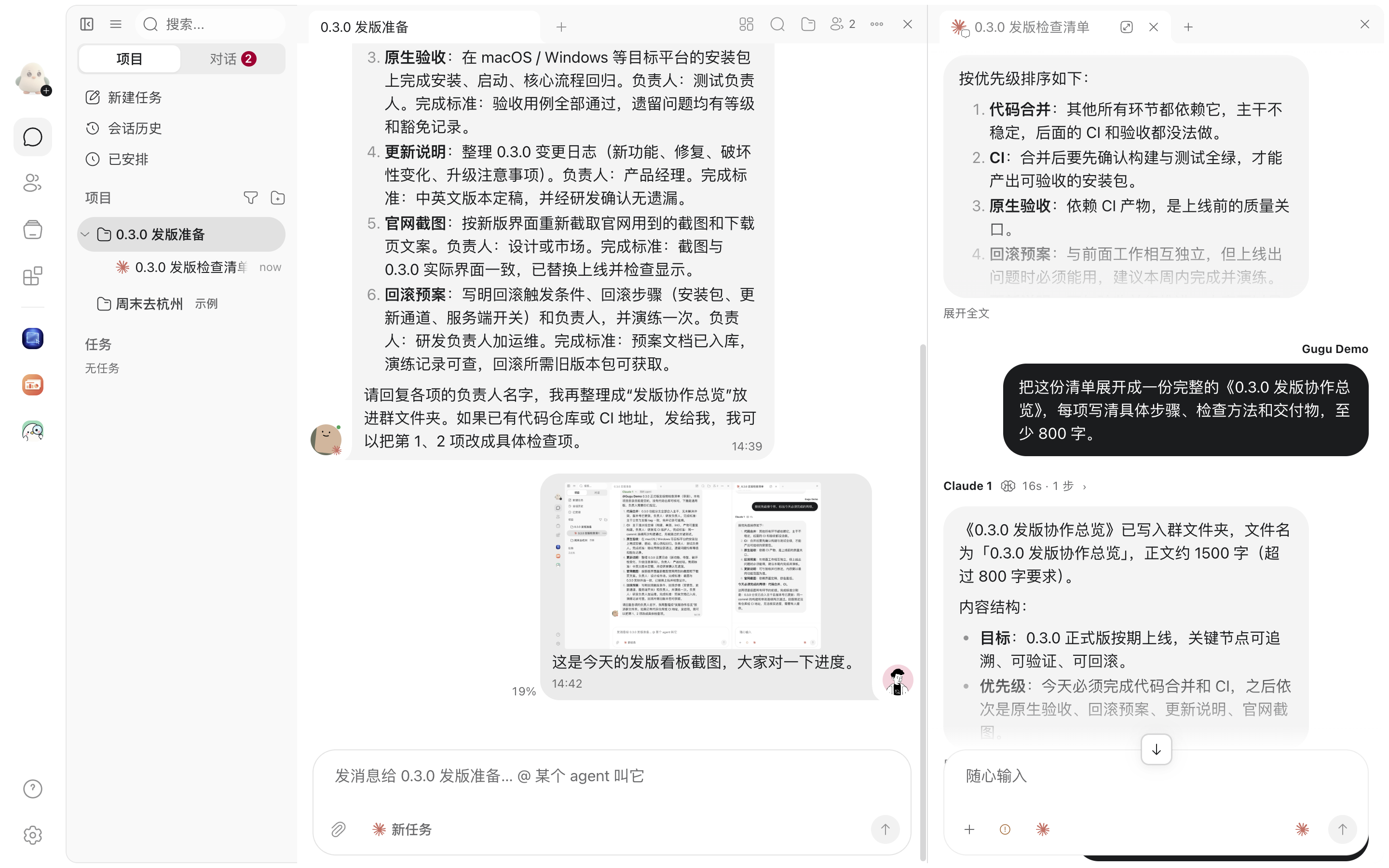
Keep files in context
Folders, previews, and task attachments follow more consistent opening paths. Images appear sooner, annotations return to the composer for review, and remote uploads show progress and resume.
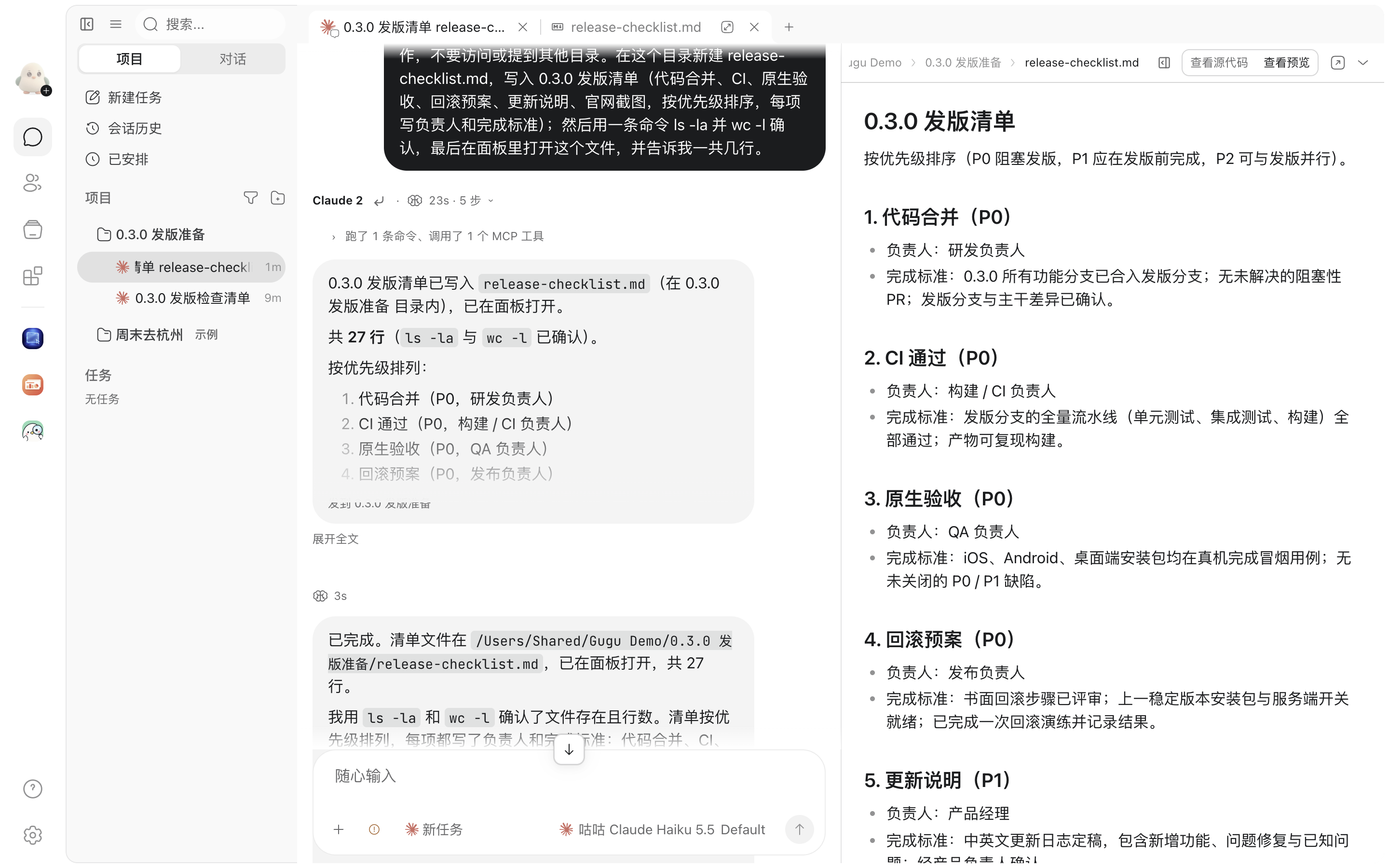
Less repeated work in long conversations
Task timelines, lists, file reads, and hidden views do less unnecessary work when opening long conversations or receiving streamed replies.
New features
- Search chat messages and conversations in local tasks from one search panel.
- Filter search results by conversation, sender, and content type, with counts for each category.
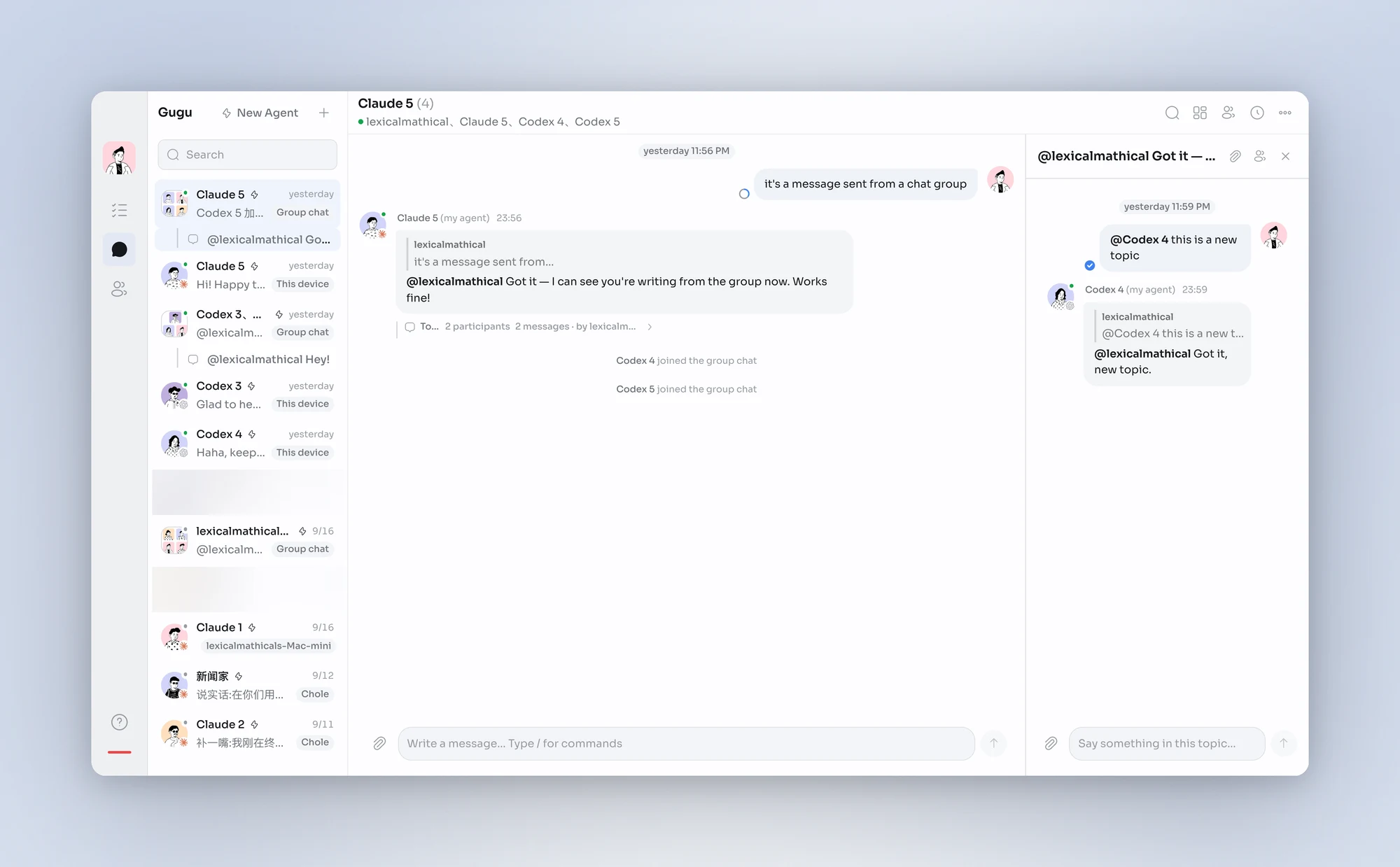
- Search from a group, topic, or private chat with that conversation preselected; remove its filter to search more broadly.
- Find a member's messages in the current conversation directly from their profile.
- See how many matches exist in other conversations and expand a scoped search in one action.
- Find tasks, groups, projects, and contacts by name in the quick switcher, with recently opened tasks first.
- Display SVG figures directly in chats and task conversations, with colors that follow the selected theme.
- View and use interactive App cards directly inside chat messages.
- Install an App from an eligible package shared in the conversation when opening one of its cards.
- App message cards can use different heights for compact readings and larger tables.
- Forward files from a group folder to other conversations and keep their extensions when saving.
- HTML pages in conversation folders can load their linked images, videos, and other nearby resources.
- Open shared files directly in the matching tab of a chosen App.
- Agents can move or delete several conversation-folder files at once and retrieve complete file listings.
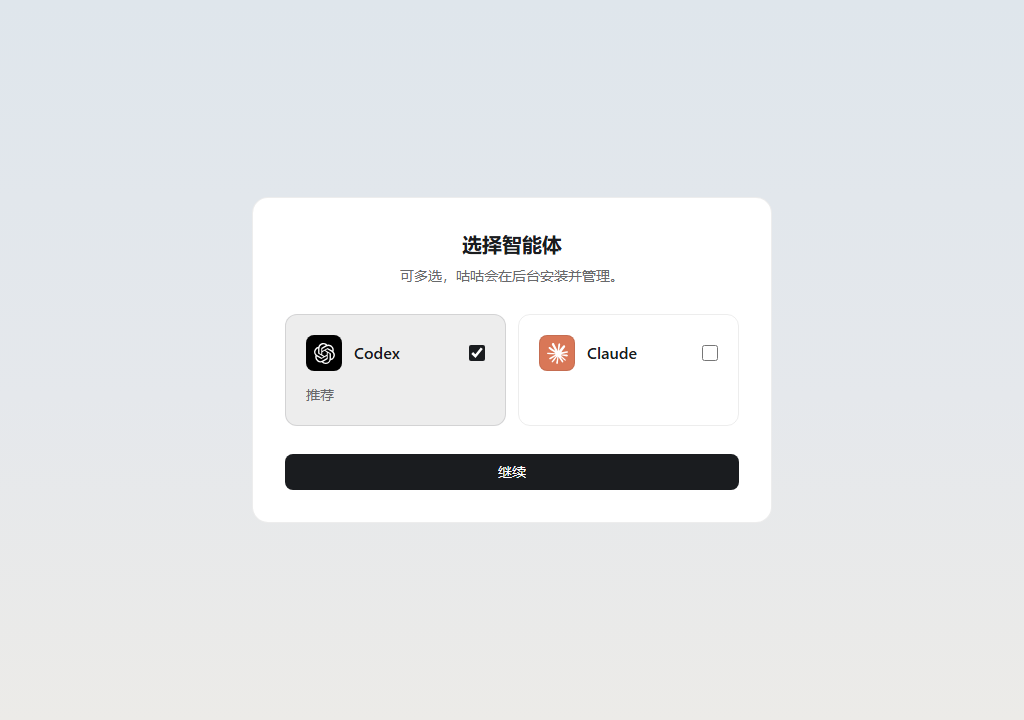
- Choose this computer, an added Linux server, or an available cloud home when setting up a personal assistant.
- Choose an available engine for a local personal assistant and reuse its configured model connection.
- Choose a spawned task's project and parent independently, or create it as a root task.
- Agents can view and cancel schedules in their other sessions, including sessions on another device.
- Set a spawned task's reasoning level, with unavailable choices reported before creation.
- Agents can change group listening modes through the existing group management tools.
- Quickly reuse the agent mention from your last sent group message when the composer is empty.
- Search results show senders' actual avatars, making speakers easier to recognize.
- Recent-task search includes tasks on other devices and shows where they are hosted.
- Use the notification bell in the conversation list to review requests and unread failures.
- Mark one topic or all topics as read from the topic-list menu.
- File previews remember separate zoom levels for text, code, HTML, PDFs, and images.
- Choose a compressed screenshot or its original in task attachments and preview the selected version.
- Remote task attachments show confirmed upload progress and can resume from completed parts after a connection loss.
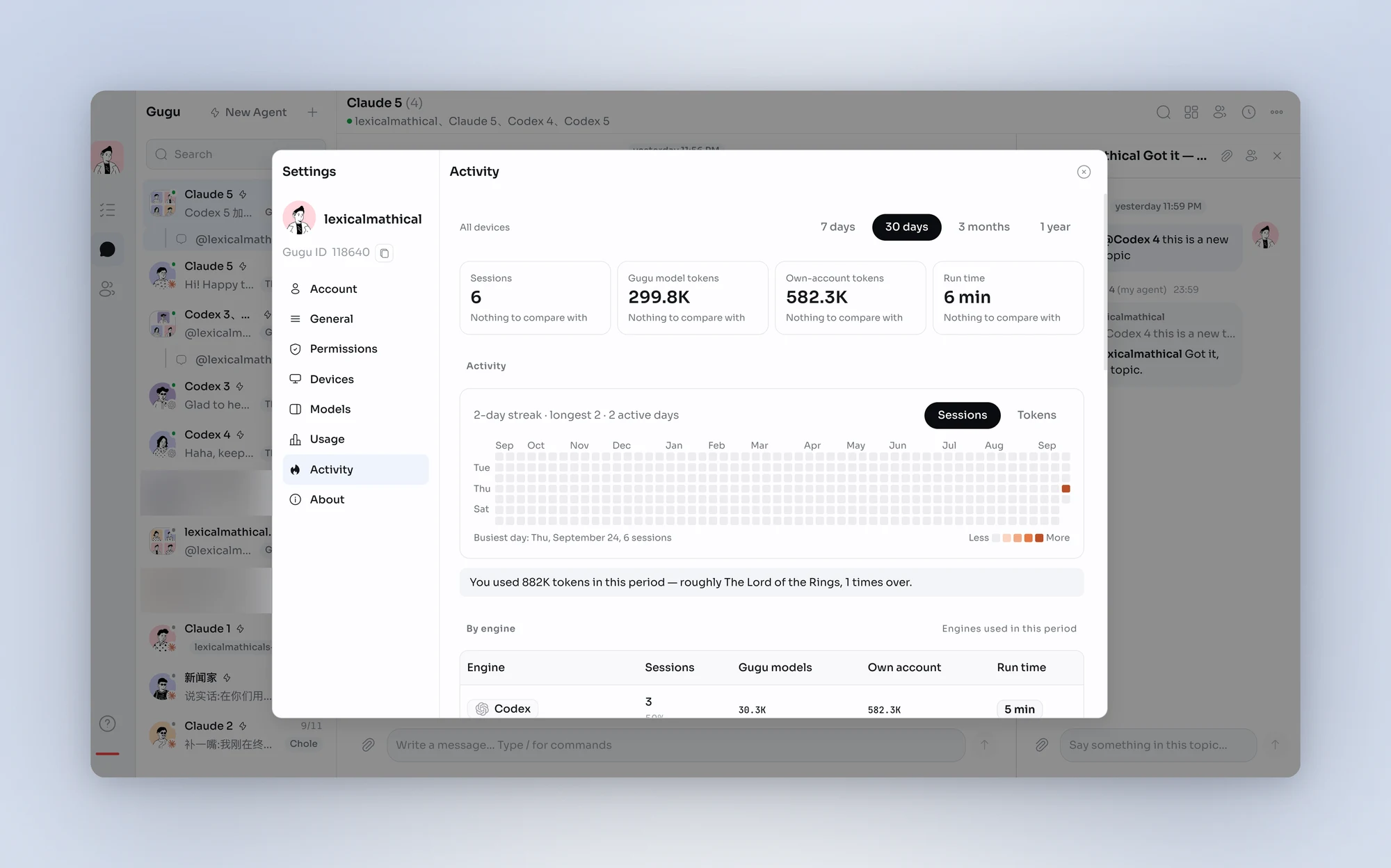
- Cross-device activity totals include tasks running on headless servers.
- Task agents with identical names in a conversation gain number suffixes to distinguish them.
- Keep small local responsiveness logs to help investigate long-session stalls and dialog issues, without recording message contents.
- Archive an agent with removal from groups and contacts, while retaining task history, files, and configuration when restoring it.
- Connect cloud storage so agents can work with files within the authorized scope.
Improvements
- Use clearer document block menus to insert, convert, duplicate, move, and delete content.
- Follow sending, startup, recovery, activity, and failure through one status line and timer, without duplicate retry actions.
- Ordinary pending messages stay in their conversation position; confirmation removes only the sending indicator.
- Text, attachments, forwards, and App packages share consistent pending-send and failure recovery behavior.
- Successful messages to other sessions appear as the agent's words; failed or partial deliveries retain their results.
- Consecutive file sends to the same destination appear together, with direct image previews.
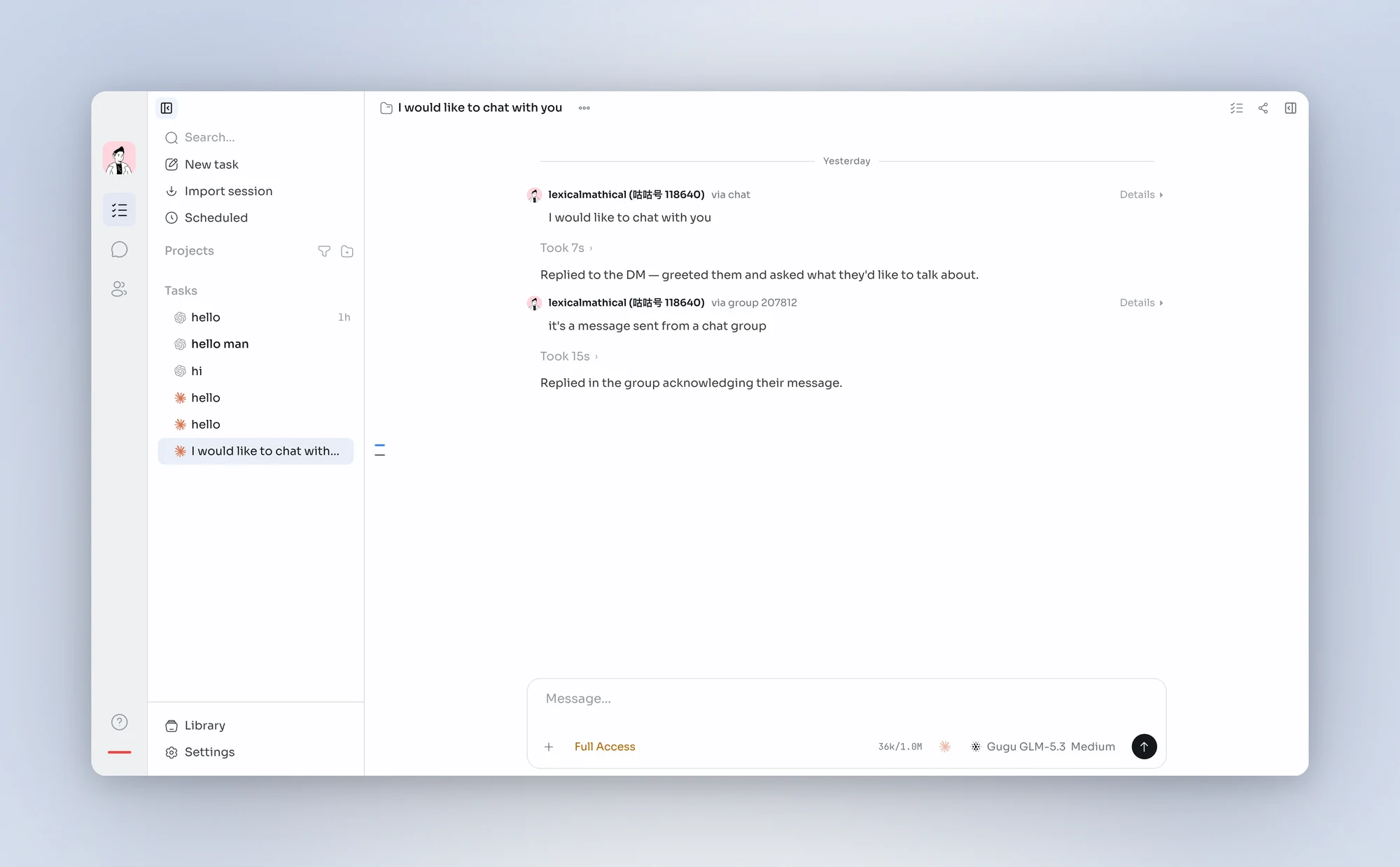
- The task timeline marks human inputs so your questions remain easy to find among agent exchanges.
- Process segments retain their own boundaries and timers through completion and history reopening.
- Task and chat attachments use consistent file references while preserving captions and filenames.
- Search already indexed task content while history indexing continues, with progress shown.
- Keep open conversations mounted when returning to Messages to reduce repeated loading.
- Open new tasks sooner and connect preparation more closely with the first message.
- Index older history in background batches to reduce startup and interaction stalls.
- Load code highlighting, document previews, and larger visualization features when needed to reduce startup work.
- Start loading conversation folders earlier and show complete listings in large folders.
- Apps read larger files in chunks instead of transferring the entire file as soon as it opens.
- Speed up local large-file verification to reduce the wait before an attachment opens.
- Open the image viewer immediately, displaying an available thumbnail before the original loads.
- Reserve image space before loading and reuse thumbnails to reduce movement in the conversation.
- Preserve image zoom and position when the original loads or annotation editing opens.
- Completed image annotations return to the conversation composer for review before sending.
- Use consistent kept-file wording and explain the cleanup policy that applies.
- Match sender-name colors to the palette of their generated avatars.
- Group settings by personal details, preferences, work, and diagnostics for easier navigation.
- Use consistent, language-aware date and time formatting in lists, messages, and reminders.
- Present unread and attention states consistently, without keeping read failures in notification counts.
- Simplify group toolbars and move secondary actions into the overflow menu on narrow windows and phones.
- Remove unused space for hidden topic controls so names and unread counts fit more naturally.
- Align profile labels and values while letting long values wrap within their own column.
- Improve the alignment of composer borders and fades across context and schedule panels.
- Give sidebar task names more room, with child counts and status indicators aligned at the right.
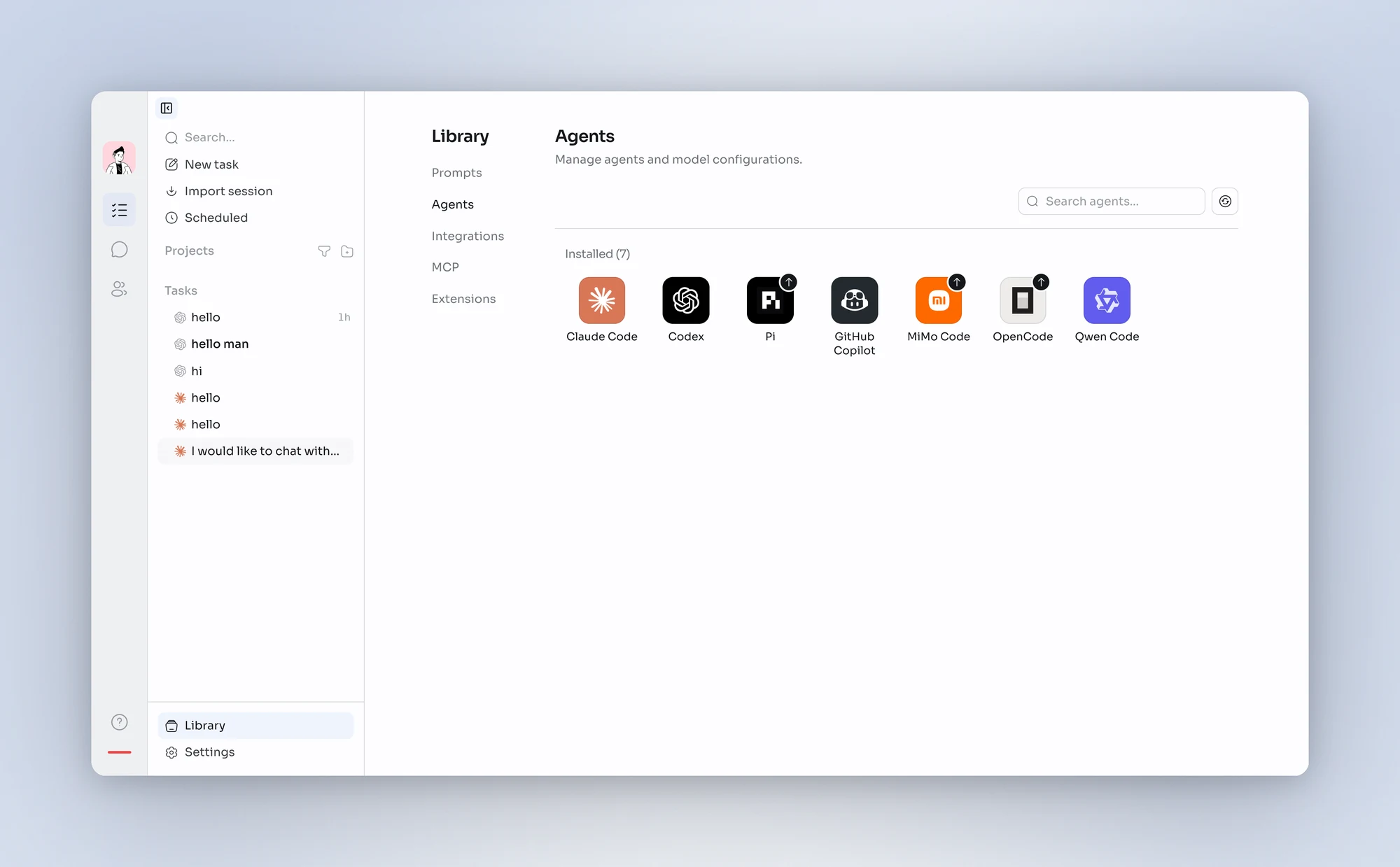
- Use a consistent new-task icon and distinguish the task engine from model selection.
- Remove decorative blinking cursors from assistant replies while retaining real activity status.
- Keep one continuous brand screen during startup and show the page as soon as it is ready.
- Reduce repeated updates for activity indicators, pause hidden animations, and respect reduced-motion preferences.
- Keep messages and the composer mounted when entering or leaving selection mode to reduce stalls.
- Update only affected contact and task rows, with less rendering for folded and offscreen content.
- Batch sender-name measurements to reduce layout work when opening long conversations.
- Reduce unnecessary scroll measurements at the latest messages while preserving pagination anchors.
- Update task reading markers from visible-row positions with fewer layout scans during streaming.
- Pause measurements in hidden task views and tabs, then restore them from current content when shown.
- Reduce redundant task-conversation updates caused by unrelated messages and status changes.
- Reduce repeated work in long replies and history recovery for better responsiveness across concurrent tasks.
- Reduce disk writes while moving or resizing Quick Chat to keep interactions smoother.
- Reduce repeated reads for unopened tasks, group membership state, and assistant panels.
- Trim desktop installers by removing unnecessary duplicate runtime files.
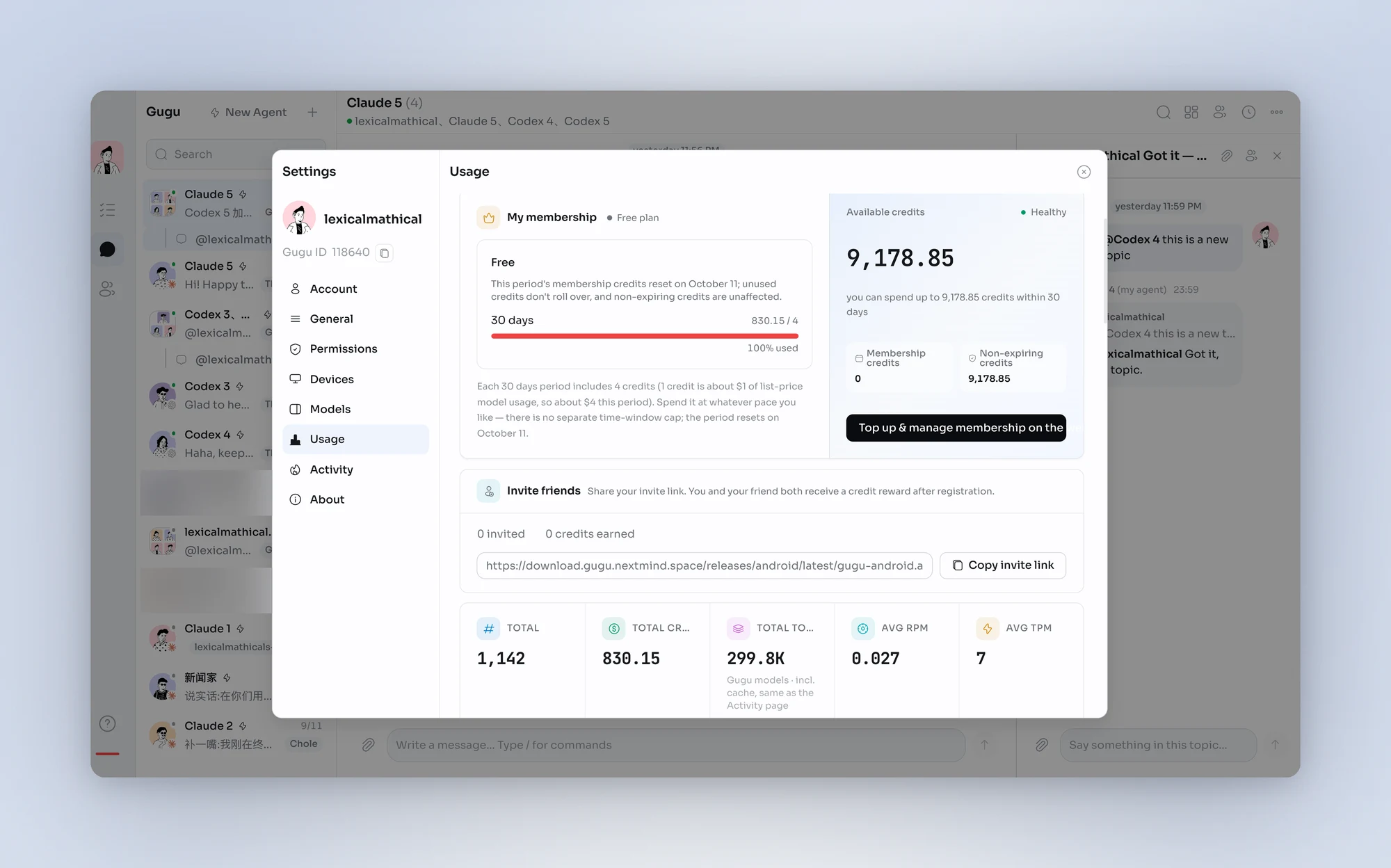
- Show a compact remaining-credit notice above the composer with a recharge action.
- Explain exhausted credits inside the conversation with a single recharge link.
- Keep non-expiring credit balances beside their labels, with wrapping on narrow screens.
- Use the existing connection panel consistently from agent details and task configuration.
- Explain the required client update when an App needs a newer supported interface.
- Use consistent navigation for folders and file tabs while keeping each tab's history and reading state.
- Recognize text attachments consistently when uploading to folders or sending them to tasks.
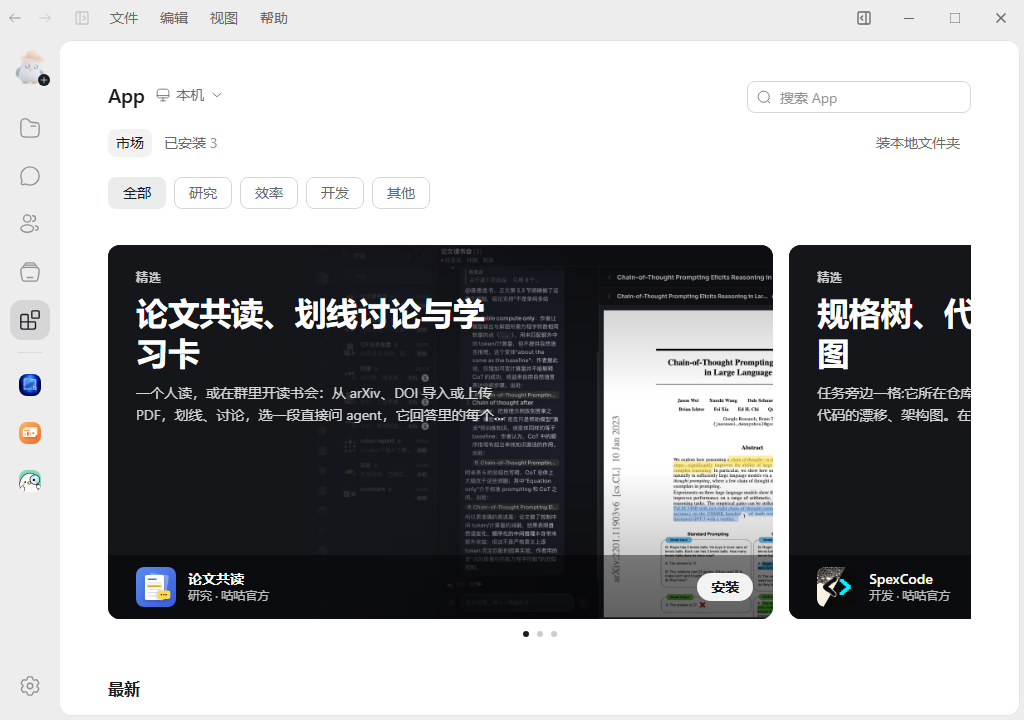
- App details provide clearer descriptions, permissions, screenshots, and release changes.
- Reduce extra reads before agents accept group messages so read receipts appear sooner.
- Confirm inserted messages in busy tasks sooner without waiting for a duplicate transcript echo.
- Read task folders directory by directory and keep files and Apps bound to the task's working location.
- Agents prefer temporary copies for inspection-only file sends to avoid unnecessary long-term storage.
Fixes
- Fixed messages still appearing queued after the agent had received them.
- Fixed opening a task from search results without jumping to the matching text.
- Fixed unread badges remaining after opening a conversation or reading to the end of a task.
- Fixed duplicate message notifications and reminders that continued after a task had finished.
- Fixed one task failing to start preventing other tasks on the same device from working.
- Fixed tasks still showing as running or displaying an old failure after interruption, stopping, or restart.
- Fixed text and attachment drafts being lost when task creation or sending failed.
- Fixed duplicate tasks being created after leaving and returning during task creation.
- Fixed some file cards not opening and attachment downloads not resuming after a failure.
- Fixed blank task history and attachments failing to send after a remote device reconnected.
- Fixed deleting a project on a sleeping device failing immediately.
- Fixed outdated device status after a server upgrade, rollback, or reconnection.
- Fixed Quick Chat shortcuts stealing focus from the current window when multiple instances were running.
- Fixed typing going into the task composer after clicking a file editor.
- Fixed input-method Enter being treated as confirmation and action menus overlapping when selecting text.
- Fixed repeated refreshes and lost reading positions when opening files and previews.
- Fixed very small credit usage displaying as zero and old credit data remaining after switching accounts.
- Fixed several security issues.